Is a Home Flight Simulator Worth It for UK PPL Students? Honest Verdict
If you're working through a UK PPL (Private Pilot Licence) and wondering whether to invest in a home flight simulator, the answer is more nuanced than "yes" or "no". It depends on your budget, your training timeline, and what you're trying to solve. But the honest assessment: for most PPL students in the UK, a decent home setup pays for itself within 18 months of serious use.
The Real Cost Comparison
A full UK PPL typically costs £8,000–£12,000 in flying school fees, spread over several months to a year depending on how often you fly. Real flying time is expensive: expect £150–£200 per hour for the aircraft, plus instructor time. Most people do their PPL in 40–60 flying hours, though many require more to build sufficient muscle memory for solo work and exams.
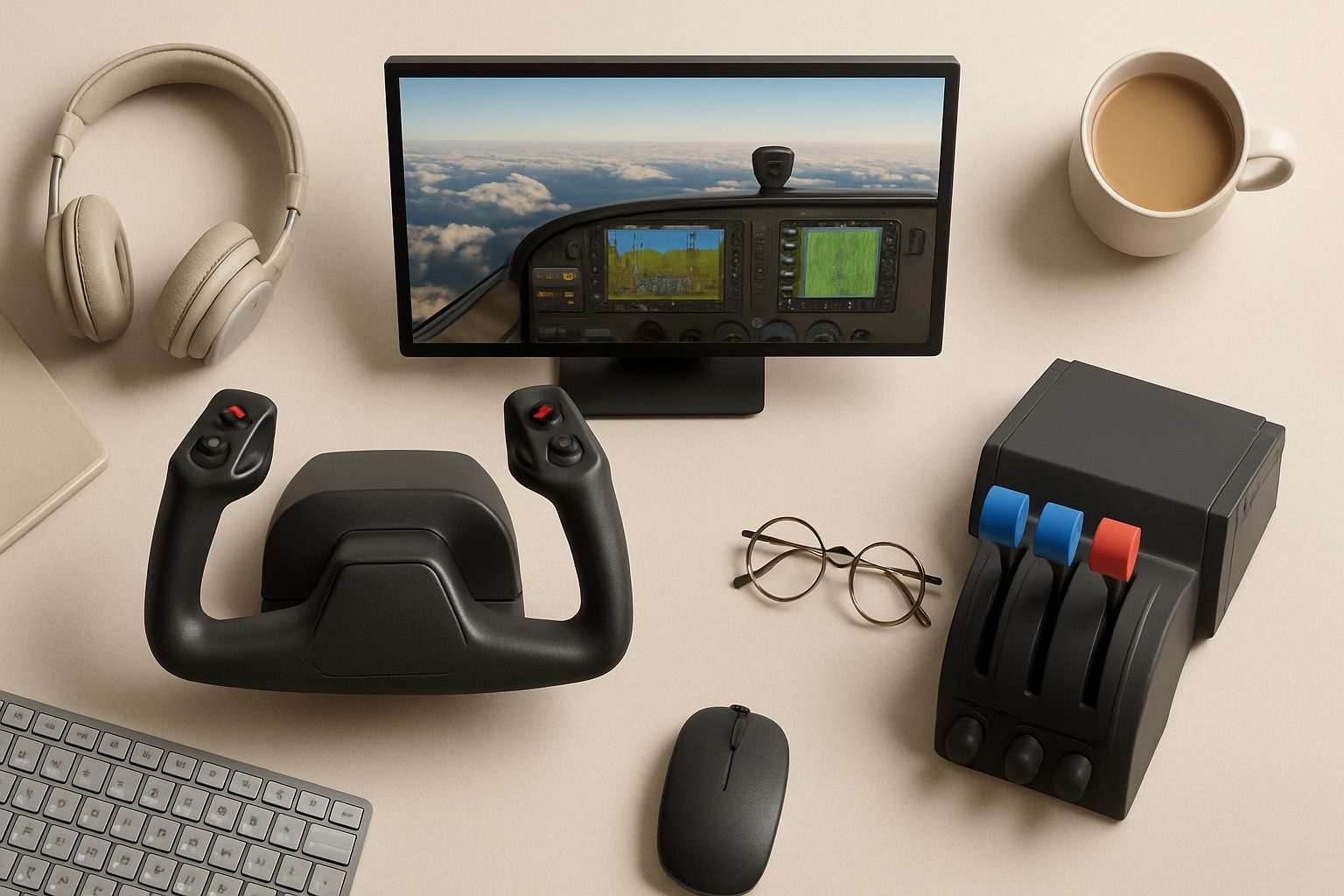
A home simulator that's actually useful for PPL training costs between £800 and £3,000 depending on your setup. The low end covers a decent flight stick, rudder pedals, throttle quadrant, and a reasonable PC running Microsoft Flight Simulator 2024 or X-Plane. The high end includes a motion platform and higher-fidelity controls—unnecessary for learning basics, but genuinely helpful for procedural muscle memory.
Here's where it works out: one hour in a flight school costs £170–£200. One hour on your home sim, after the initial hardware outlay, costs you almost nothing. If you fly your sim for 100–150 hours during your PPL training (realistic for serious students), you've saved roughly £15,000–£30,000 in flying time costs. Even accounting for your simulator investment and the cost of running it (electricity, software subscriptions), you're looking at a net saving of several thousand pounds.
That calculation only works if you actually use it. If your simulator sits idle for three months, it's a bad investment. If you use it 4–5 times a week, it's exceptional value.
What the Simulator Actually Teaches You
Home sims are excellent for pattern work and procedural learning. Before you step into a real cockpit, you need to know where every switch is, how to work through a pre-flight checklist, what the right power settings are for a climb, and how to recover from unusual attitudes. A simulator teaches all of this efficiently. You can crash, restart, and try again without losing a £20,000 aircraft or your instructor's composure.
The biggest advantage is repetition without financial penalty. If you mess up a crosswind landing approach six times in succession, a flying school is charging you £1,000. On your home sim, it's free. You learn instrument scanning, trim management, and glide-slope awareness far faster when the cost of failure is zero.
UK weather also makes this relevant. British flying schools often book lessons weeks in advance because the weather cancels training days constantly. A home simulator lets you train during marginal weather or when conditions aren't flyable at all—you're not losing days of progress because of low cloud and drizzle.
What It Doesn't Replace
This is crucial: a simulator cannot teach you how an actual aeroplane feels. Real stick-and-rudder sensation—proprioceptive feedback from load, vibration, and aerodynamic forces—is missing. No home setup truly simulates the sensory experience of being at 3,000 feet in a small aircraft, feeling the thermals, managing trim as the weight shifts, or understanding how a Cessna 152 actually pitches and rolls.
Instructors also cannot effectively teach you engine-out procedures, emergency drills, or real-world decision-making in a simulator that doesn't have genuine consequences and real-world variability. The simulator teaches mechanics; the flying school teaches airmanship.
A simulator also won't get you signed off for solo flying or teach you how to work with real air traffic control, manage radio communications clearly, or handle unexpected situations. These require hands-on training with an instructor present.
Who Should Buy a Simulator
Definitely worth it if:
- You're committed to completing your PPL within 12 months
- You have realistic access to an aircraft (through a flying club or school)
- You train 3+ times per week and will use the sim between flights
- You're an adult learner on a strict budget who wants to maximise every flying hour
- You struggle with procedural memory and benefit from home-based repetition
Marginal return if:
- You fly sporadically (once a month or less)
- You're time-rich but cash-poor and could instead save for more real flying hours
- You're trying to replace flying school training with simulation—it won't work for your PPL
Not worth it if:
- You can't commit to regular practice
- You have easy access to a flying club with heavily subsidised aircraft time
- You're just curious about flying and haven't committed to a PPL yet
The Practical Setup
You don't need a motion platform or six-figure rig. The essentials are a quality flight stick with rudder pedals, a throttle setup that mimics a real aircraft, and Microsoft Flight Simulator 2024 or X-Plane running on a mid-range gaming PC. Aim for something with a 144Hz monitor so responsiveness feels right. Plan for around £1,500 to do this properly.
Software subscriptions matter: Microsoft Flight Simulator has a subscription option, and X-Plane requires a one-time purchase. Both are legitimate, realistic platforms for UK flying training.
The Honest Verdict
For a UK PPL student, a home flight simulator is worth the investment if—and only if—you'll actually use it regularly and see it as a tool to reinforce real flying training, not replace it. It accelerates your learning, reduces costs significantly, and keeps you sharp between lessons.
But it's not a magic solution. Your PPL still requires proper instruction, real flying hours, and actual experience. The simulator is a force multiplier for the committed student—not a shortcut for the uncommitted.
More options
- Honeycomb Alpha Flight Controls Yoke (Amazon UK)
- Thrustmaster TCA Officer Pack Airbus Edition (Amazon UK)
- Logitech G Pro Flight Rudder Pedals (Amazon UK)
- Meta Quest 3 VR Headset (Amazon UK)
- Honeycomb Bravo Throttle Quadrant (Amazon UK)