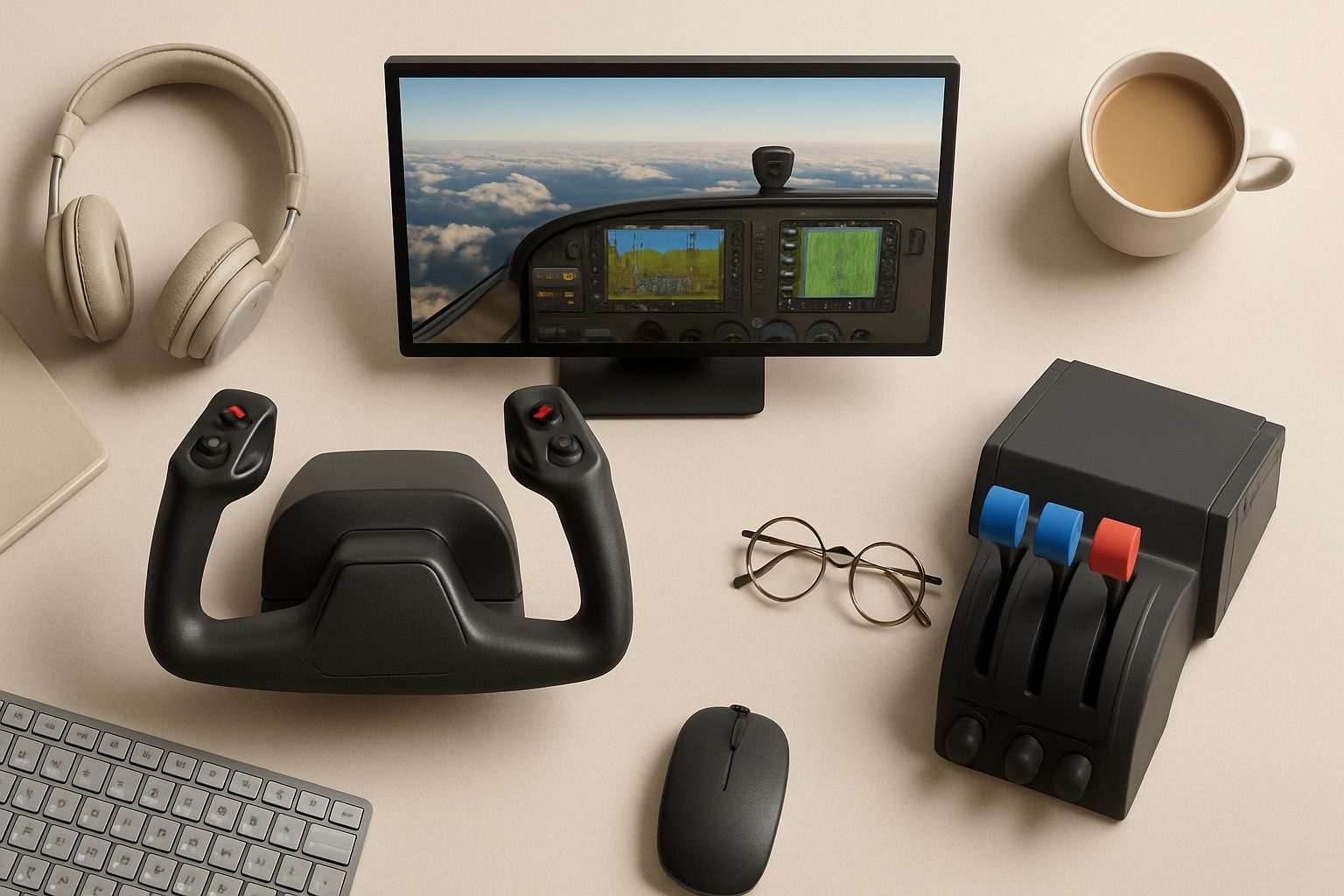
How to Choose the Right Flight Sim Software for UK Beginners in 2025
If you're thinking about setting up a home flight simulator, the hardest decision isn't the hardware—it's the software. The flight sim market has matured enough that there's no single "best" option anymore. Instead, each platform caters to different flying styles, budgets, and learning goals. Whether you want to recreate real-world airline operations, explore experimental aircraft, or shoot down MiG-29s, the software you choose will shape your entire hobby for years to come.
This guide walks you through the main options available to UK beginners in 2025, with honest pros and cons for each. By the end, you'll know which platform fits your interests rather than wasting money on the wrong choice.
Microsoft Flight Simulator 2024
MSFS 2024 (the third iteration since the 2020 reboot) is the most accessible and visually impressive flight sim on the market. It's photogrammetry-rendered the entire planet at high detail, which means you can load up Gatwick, Heathrow, or any airfield and see accurate runways, buildings, and terrain. The starter experience is genuinely good—the tutorial flights teach you real concepts without feeling like schoolwork.
Why beginners choose it:
- Beautiful, recognisable scenery (your local airfield probably looks like itself)
- Forgiving default flight model that still teaches real aerodynamics
- Huge aircraft variety, from Cessna 172 to Boeing 787, all included in the base package
- Active YouTube community and tutorials aimed at newcomers
- Reasonable learning curve—you can have fun on day one
Where it falls short:
- The default flight physics are simplified compared to X-Plane or Prepar3D. If you're studying for a real pilot's licence, you'll outgrow it
- Scenery is photogrammetry-based, not hand-crafted, so small airfields often lack detail
- Multiplayer requires a Game Pass subscription (separate cost on top of the £40 one-time purchase)
- The ecosystem is still evolving; third-party aircraft quality varies
MSFS 2024 runs on mid-range gaming PCs. A GTX 1660 or RTX 3060 will handle it at good settings; older integrated graphics won't. It's Windows only, though it's coming to Xbox Series X eventually.
X-Plane 12
X-Plane 12 is the physicist's flight sim. Its flight model is more detailed and less forgiving than MSFS, which appeals to people who want to learn how aircraft actually behave. The scenery is less photorealistic but more detailed at smaller airfields, and the add-on ecosystem is the most mature in consumer flight sim.
Why experienced beginners choose it:
- Superior flight physics—closer to what you'll experience in real training aircraft
- Excellent systems depth (electrical, hydraulic, engine systems are modelled properly)
- Small airfields are beautifully hand-crafted by add-on developers
- Strong third-party support for aircraft and scenery
- Robust multiplayer built into the base product
The catch:
- Steeper learning curve. The default aircraft are more complex, and the sim expects you to learn them properly
- Base scenery outside North America and Europe is sparse and generic
- Add-on aircraft and scenery cost £15–80 each, so a polished setup gets expensive
- Fewer YouTube tutorials aimed at absolute beginners
- Heavier CPU demand than MSFS
X-Plane 12 costs £70 upfront. If you're willing to learn and spend on add-ons, it's the smarter long-term choice. If you want instant gratification, MSFS 2024 is easier.
Prepar3D
Prepar3D started as a flight training platform and still feels like one. It's used by flight schools and serious hobbyists who want a more realistic systems model than consumer sims offer. It's not "better" than MSFS or X-Plane—it's just different, and specifically aimed at people preparing for real pilot training.
Who considers Prepar3D:
- People working towards a pilot's licence
- Serious bush pilots and off-field landing enthusiasts
- Anyone who wants the closest thing to actual training software without professional pricing
Realistic expectations:
- Steeper learning curve and less polished presentation than MSFS
- Scenery quality varies; you'll need add-ons for home airfields
- Ongoing subscription (£150/year for hobbyists)
- Smaller community than MSFS or X-Plane
- Fewer modern aircraft; the focus is on realism over novelty
Unless you're actively training for a pilot's licence, Prepar3D is overkill. MSFS or X-Plane will serve you better.
DCS World
DCS World isn't a general-purpose flight sim—it's a military aircraft simulator focused on combat and real-world warbird flying. If you want to fly a Spitfire, A-10, or Tomcat as realistically as possible, this is it. The individual aircraft modules are extremely detailed, but you're not flying civilian airliners or exploring the world.
Worth it if:
- You're interested in military history or warbird flying
- You want ultra-detailed systems modelling for specific aircraft
- You enjoy competitive multiplayer combat
Not worth it if:
- You want to explore the world, practice airline operations, or try different aircraft cheaply
DCS is free to start (with a few included aircraft) and you buy modules as interest grows. Expect £25–40 per aircraft.
How to Decide
Ask yourself these questions:
- What aircraft interest you? If you want airliners, MSFS or X-Plane. If you want military jets, DCS World. If you want everything, MSFS.
- Do you want scenery you recognise? MSFS has the whole world photogrammetrically rendered. X-Plane has good hand-crafted detail in parts of the world.
- Are you training for a real pilot's licence? X-Plane or Prepar3D. MSFS will teach you bad habits.
- What's your budget? MSFS is £40 all-in. X-Plane is £70 plus add-ons. DCS is free to try, then per-aircraft. Prepar3D is £150/year.
- Do you have a powerful PC? Check your GPU. MSFS is more forgiving; X-Plane is heavier on CPU.
Next Steps
Once you've narrowed it down, read the specific comparisons in our guides: the MSFS vs X-Plane comparison breaks down both in detail, the PC build guide explains what hardware you actually need, and the starter hardware roundup covers yokes, throttles, and rudder pedals that won't drain your wallet.
Start with whichever sim appeals to you most—you can always switch later. The good news is that flight sim skills (trim, crosswind landings, radio discipline) transfer between platforms. Pick one, commit to it for a month, and you'll know whether it's right for you.
More options
- Honeycomb Alpha Flight Controls Yoke (Amazon UK)
- Thrustmaster TCA Officer Pack Airbus Edition (Amazon UK)
- Logitech G Pro Flight Rudder Pedals (Amazon UK)
- Meta Quest 3 VR Headset (Amazon UK)
- Honeycomb Bravo Throttle Quadrant (Amazon UK)