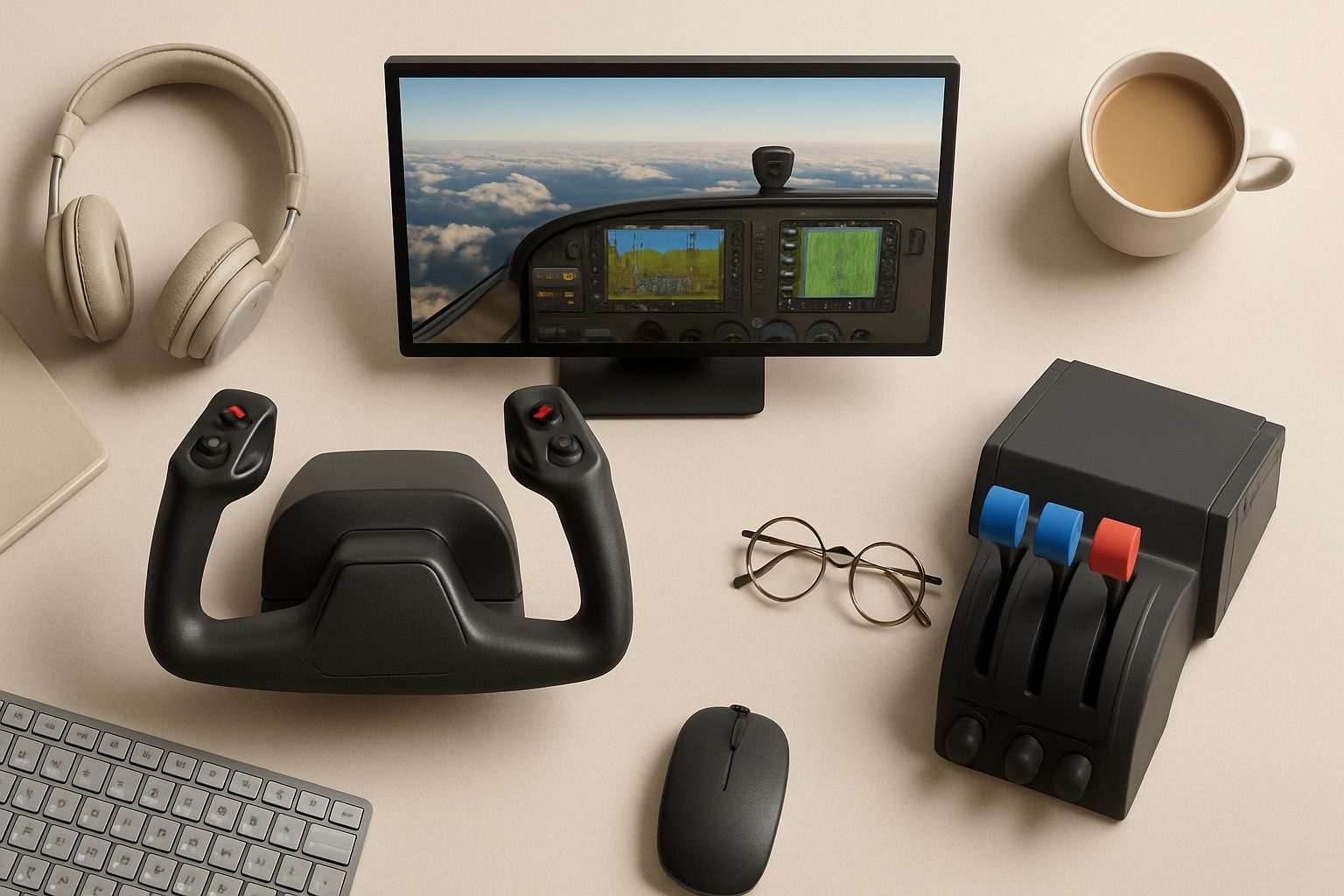
Best Graphics Cards for Flight Simulation UK 2025: Top GPUs for MSFS and X-Plane
Flight simulation has become genuinely demanding. Microsoft Flight Simulator 2024 and Laminar's X-Plane 12 will expose weak graphics cards immediately—stuttering, low framerates, and compromised scenery detail kill immersion faster than any hardware limitation. If you're building or upgrading a flight sim PC in the UK, the GPU choice matters more than the CPU, and it's worth getting right.
The RTX 40-series has settled into genuinely mature pricing. The 4070, 4080, and 4090 each occupy distinct territory for flight sim: the 4070 handles 1080p flawlessly, the 4080 dominates 4K desktop, and the 4090 unlocks high-refresh VR without compromise. This guide cuts through the hype and gives you hard numbers on performance, cost, and which card suits your rig.
RTX 4070: Sensible 1080p Mastery
The 4070 is the card most UK flight simmers should actually buy. It's priced around £500–£570 street, and it will handle 1080p in both MSFS and X-Plane at max settings, solid 60+ fps without breaking a sweat. That's not marketing—that's real-world performance with complex photogrammetry regions and dense AI traffic.
The 4070 ships with 5888 CUDA cores and 12GB of GDDR6X memory. For flight sim, that 12GB cushion is valuable. Heavily detailed scenery add-ons (particularly photogrammetry) can chew through VRAM, and the 4070 won't stutter when landing in places like London or New York with third-party enhancement mods loaded.
The catch? 4K is where the 4070 begins to strain. You'll hit 30–45 fps at max settings in complex airports, and VR is simply not viable—sustained VR requires 90 fps minimum, and the 4070 can't guarantee that in demanding regions.
Best for: 1080p enthusiasts, budget-conscious simmers, secondary rigs. If you're happy with 1080p and want a GPU that'll last five years without regret, the 4070 is the sensible answer.
RTX 4080: 4K Sweet Spot
At £800–£900, the 4080 is substantially more expensive than the 4070. But it's also substantially faster: you're looking at 50–70 fps in MSFS at 4K with maximum settings enabled, and X-Plane runs noticeably smoother because its flight dynamics engine is less demanding than MSFS's photogrammetry pipeline.
The 4080 has 10240 CUDA cores and 16GB GDDR6X. That extra 4GB of memory gives headroom for high-resolution texture mods and dense scenery packages. It's the GPU that lets you run a genuinely high-fidelity setup without compromise: complex scenery, weather enhancements, photogrammetry, all stacked together, all running at playable framerates.
For VR, the 4080 is workable but not quite effortless. You'll get consistent 60 fps in X-Plane VR at high settings, and MSFS VR runs 45–60 fps depending on your region. That's acceptable, but not the locked 90 fps that makes VR feel truly smooth. Some simmers settle for 45 fps in VR because the experience is still good; others find it uncomfortable.
Best for: 4K desktop flyers, simmers who want maximum visual detail without VR, people building their "final" rig for five to seven years.
RTX 4090: VR Powerhouse (and Overkill for Desktop)
The 4090 is the flagship. It costs £1600–£1900, which is extreme money, but it's also the only card that delivers locked 90 fps in MSFS VR at high settings. That's the honest use case: if you're flying in VR and want it to feel truly smooth, the 4090 is the only reliable option right now.
For 4K desktop, the 4090 is overkill. You'll hit 100+ fps in most regions, which means you're bottlenecked by your monitor (60 Hz, 144 Hz, or 165 Hz), not the GPU. You're paying premium money to max out framerates you can't actually see.
The 4090 has 16384 CUDA cores and 24GB of GDDR6X—the largest pool available. That memory bandwidth and core count let you stack absolutely every enhancement mod and run future-proofed settings with ease.
Best for: VR flyers who want the best possible experience. Desktop-only buyers should think hard before spending this much.
UK Price-Per-Frame Analysis
Here's what matters: pounds spent per 1 fps of improvement.
1080p max settings: The 4070 achieves ~90 fps for £550. Cost per fps: £6.10. The 4080 hits ~110 fps for £850. Cost per fps: £7.70. The 4090 reaches ~120 fps for £1800. Cost per fps: £15.
At 1080p, the 4070 wins decisively. You're paying a premium for marginal gains.
4K max settings: The 4070 manages 35 fps (£15.70 per fps). The 4080 delivers 65 fps (£13.08 per fps). The 4090 reaches 95 fps (£18.95 per fps). For 4K, the 4080 is the sweet spot—best efficiency, genuine performance.
VR (MSFS, high settings): The 4070 won't work (drops below 45 fps regularly). The 4080 achieves 50–60 fps (£14–£18 per fps). The 4090 locks 85+ fps (£21+ per fps). For VR, you need the 4090 if you want genuine comfort; the 4080 is a compromise.
What Else Matters
CPU must keep pace. A Ryzen 5 5600X or Intel i5-13600K is the practical floor; don't pair a 4080 or 4090 with older processors. Motherboard, RAM, and storage are less critical—your GPU will be the bottleneck.
Power supply: 750W for the 4070, 850W for the 4080, 1000W for the 4090. Don't skimp here.
The Recommendation
Buy the 4070 if you're 1080p only or on a tight budget. Buy the 4080 if you want 4K desktop excellence. Buy the 4090 only if you're flying in VR and want the absolute best experience. Don't buy expensive hardware to chase framerates your monitor can't display.
More options
- Honeycomb Alpha Flight Controls Yoke (Amazon UK)
- Thrustmaster TCA Officer Pack Airbus Edition (Amazon UK)
- Logitech G Pro Flight Rudder Pedals (Amazon UK)
- Meta Quest 3 VR Headset (Amazon UK)
- Honeycomb Bravo Throttle Quadrant (Amazon UK)